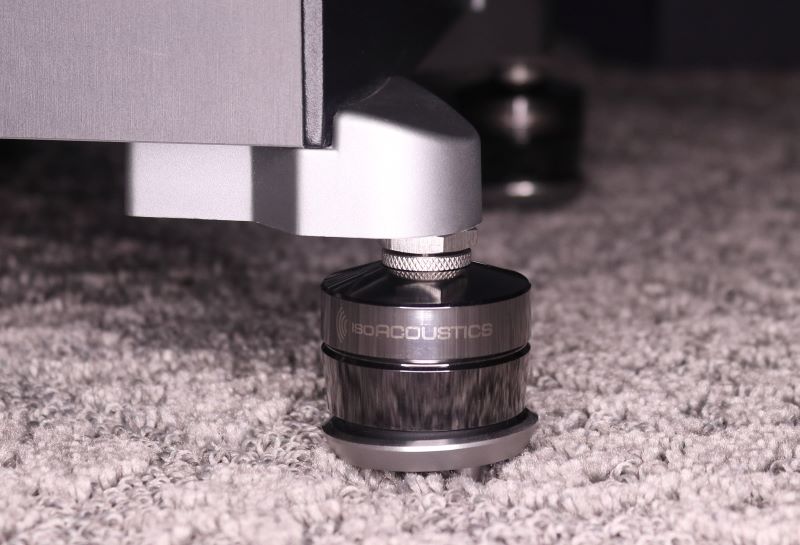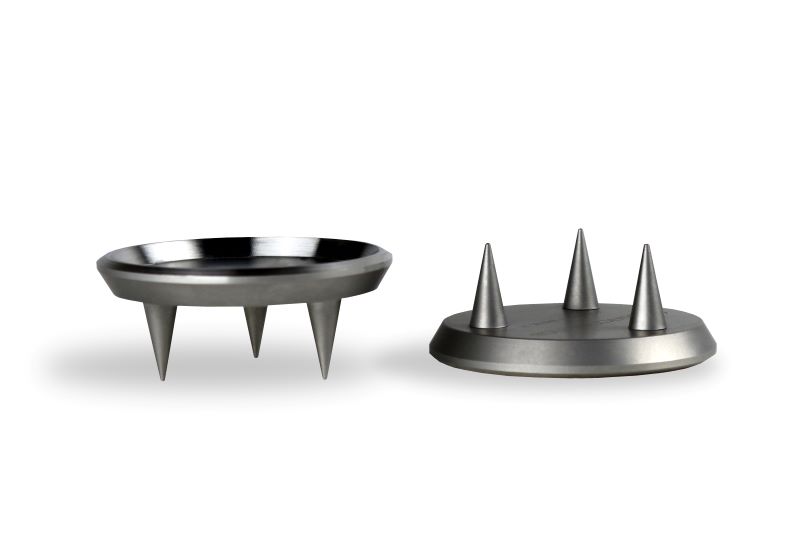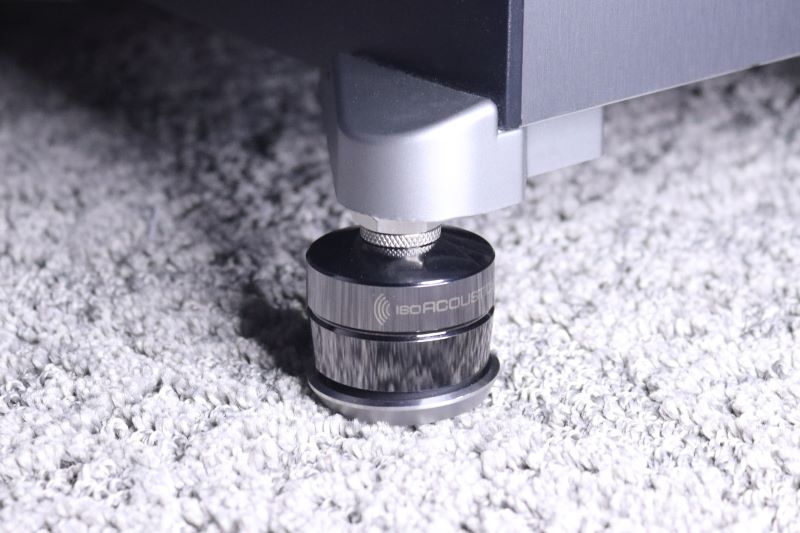


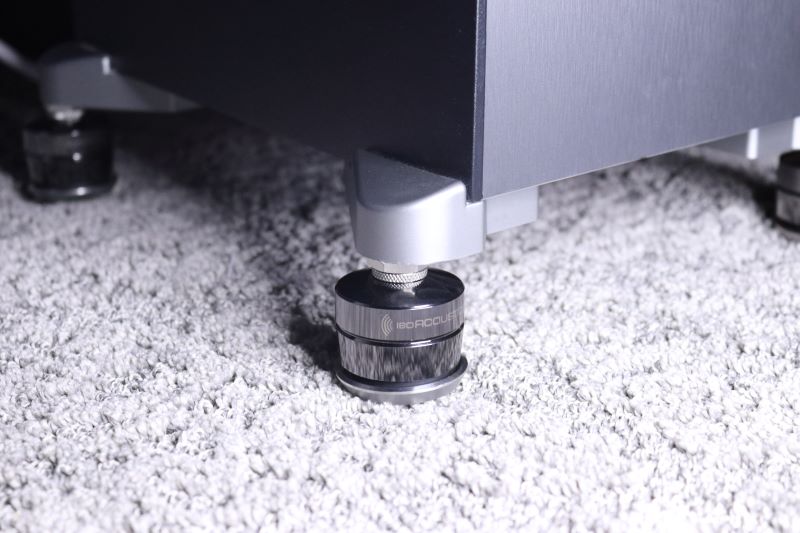
Coupled with your GAIA, Carpet Disks provide stability on carpeted surfaces
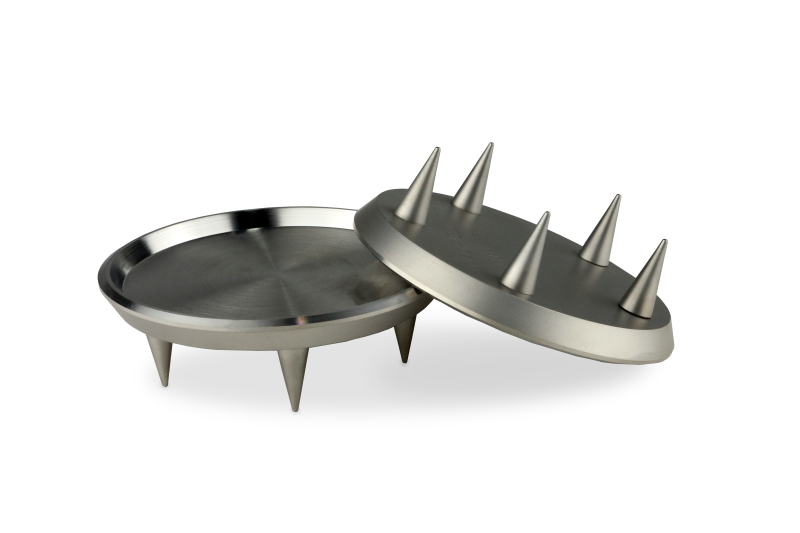
Designed to maintain stable support on carpet, the solid stainless steel Carpet spikes work with the GAIA and GAIA-TITAN isolators to provide improved performance on thicker pile carpet and carpet with under pads.
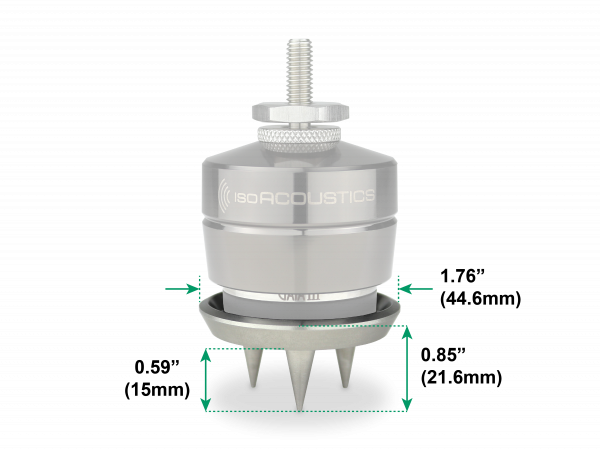
Dimensions (WxH)
1.8″ x 0.9″ (45mm x 22mm)
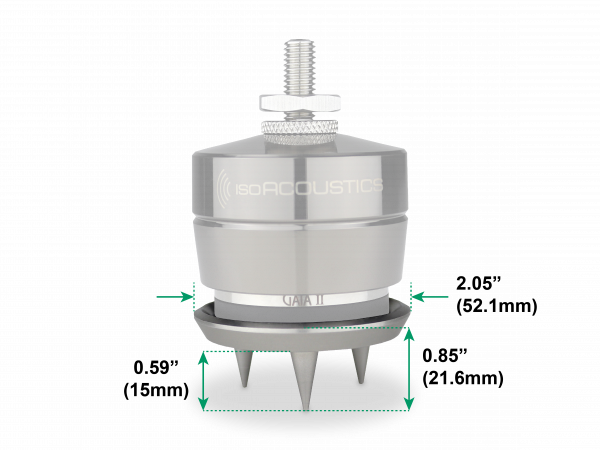
Dimensions (WxH)
2.0″ x 0.9″ (52mm x 22mm)
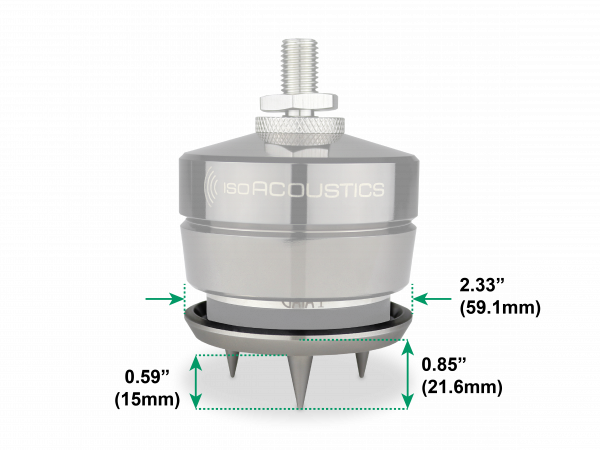
Dimensions (WxH)
2.4″ x 0.9″ (59mm x 22mm)
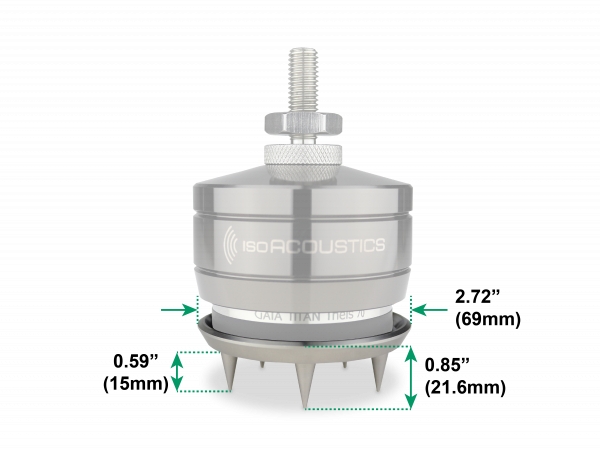
Dimensions (WxH)
2.72″ x 0.9″ (69mm x 22mm)
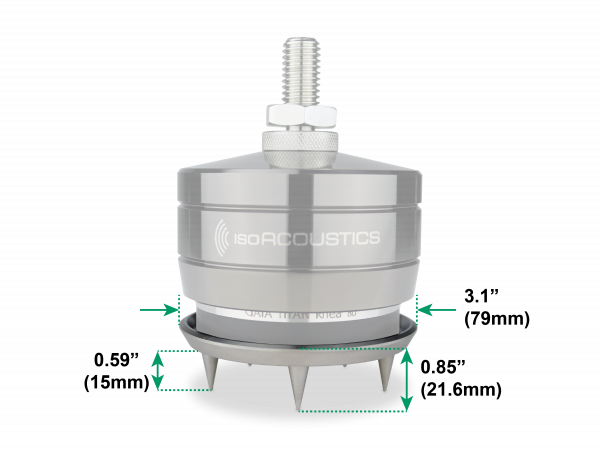
Dimensions (WxH)
3.1″ x 0.9″ (79mm x 22mm)
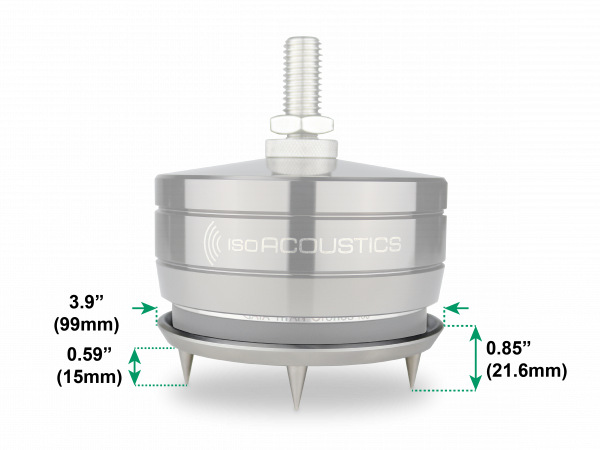
Dimensions (WxH)
3.9″ x 0.9″ (99mm x 22mm)
Tilt the speaker or subwoofer to raise the GAIA’s above the ground, then position the carpet spikes underneath the GAIA’s and lower the side back down. Repeat the process on the other side by tilting the other side of the speaker and position the Carpet Disks underneath the GAIA’s before lowering the speaker back down.
You might need to raise and lower each side of the speaker again until the carpet spikes are positioned level on the ground and are properly aligned underneath the GAIA isolators.
The carpet disks installation is the final step. The carpet disks should not be installed until after the GAIA’s are installed and the speaker or subwoofer is in its final position.

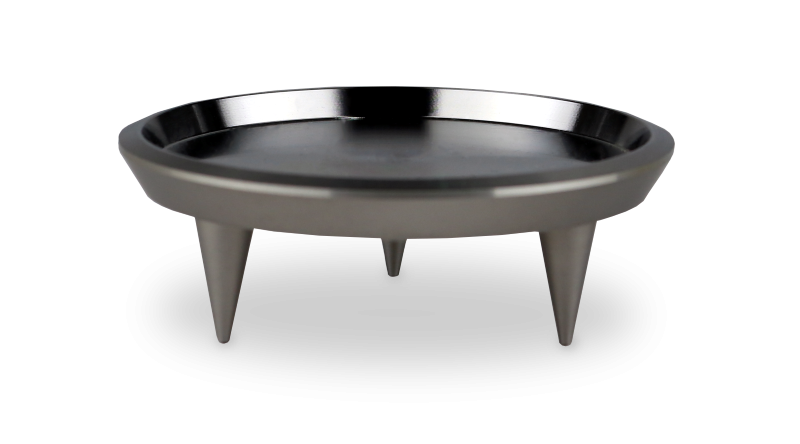
The carpet disks are recommended to provide best results when the GAIA’s are used on thick carpet, or carpet with thick under pad. The carpet disks are not required on thin carpet.
Most carpets will compress under the weight of your speaker to allow the spikes to reach the solid floor below, but the carpet disks will still provide support for the GAIA’s even if the spikes do not contact the floor.
Another alternative for thicker carpets is to use a small slab of granite or marble to provide the GAIA’s a solid surface to connect to on top of the carpet.

IsoAcoustics Inc.
39 Main street North, Unit 5
Markham, ON, Canada L3P 1X3